Two photos, one photo of both, or a solo verse
Start with who will perform. Choose Two photos for a duet made from separate portraits. Add one person to the You slot and the other to Your friend. You do not need a picture taken together, so friends in different cities can share the same stage.
Choose One photo of both when you already have a clear picture of two people together. Their left-to-right order comes from that photo. Choose Just me for one performer and one voice. The output stays a short rap video in all three modes; solo does not turn it into a full-length song.
Prepare clear photos before you generate
Give the generator a clear view of each face. Front-facing pictures with even light are a better starting point than a distant group shot. Keep eyes and mouths visible, and avoid sunglasses, masks or heavy filters. A head-to-waist crop also gives the performance an outfit to work with.
Use JPG, PNG or WebP files up to 10 MB each. For Two photos, put only one person in each picture. For a shared photo, make sure both faces are clear. Only upload photos of adults who agreed to appear; photos of celebrities, public figures and minors are not allowed.
Pick a stage for the occasion
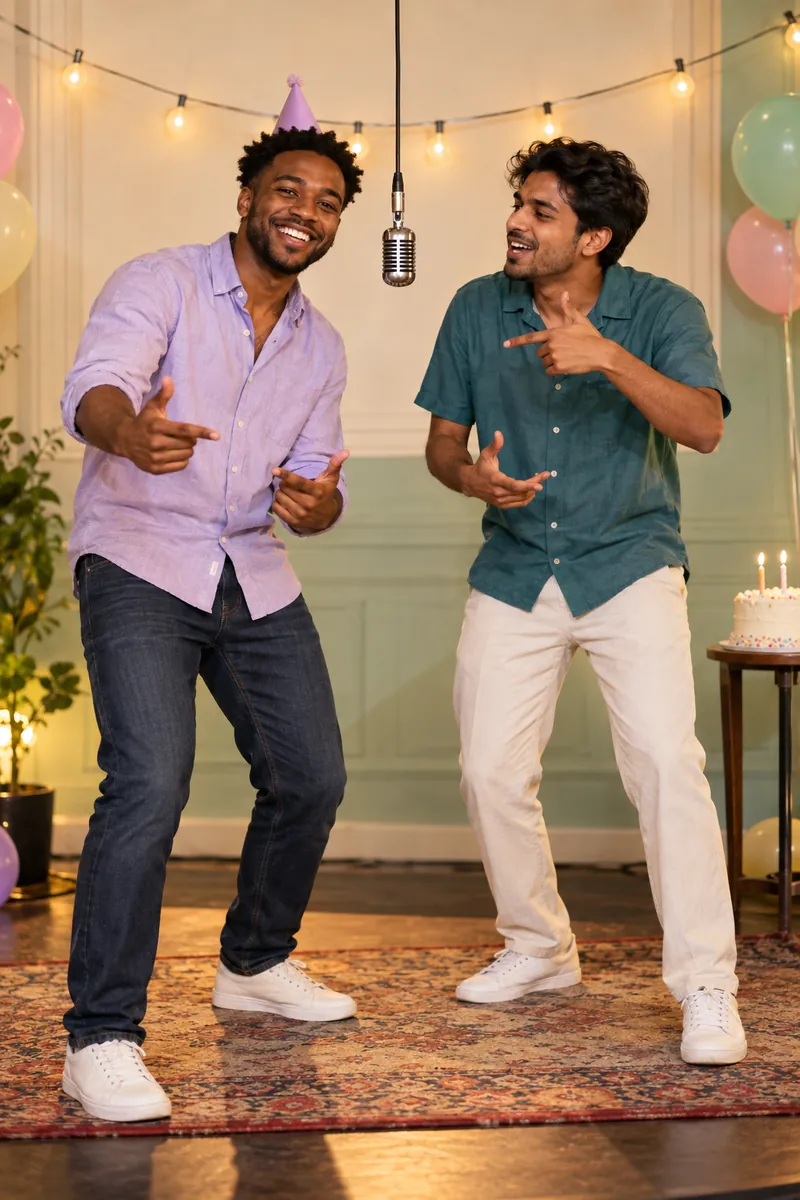
The stage sets the look and the short English performance. Hotel Lobby uses an orange booth and a hanging microphone for the familiar back-and-forth rap format. Birthday puts the performers on a party stage, and you can add an optional first name to the birthday line.
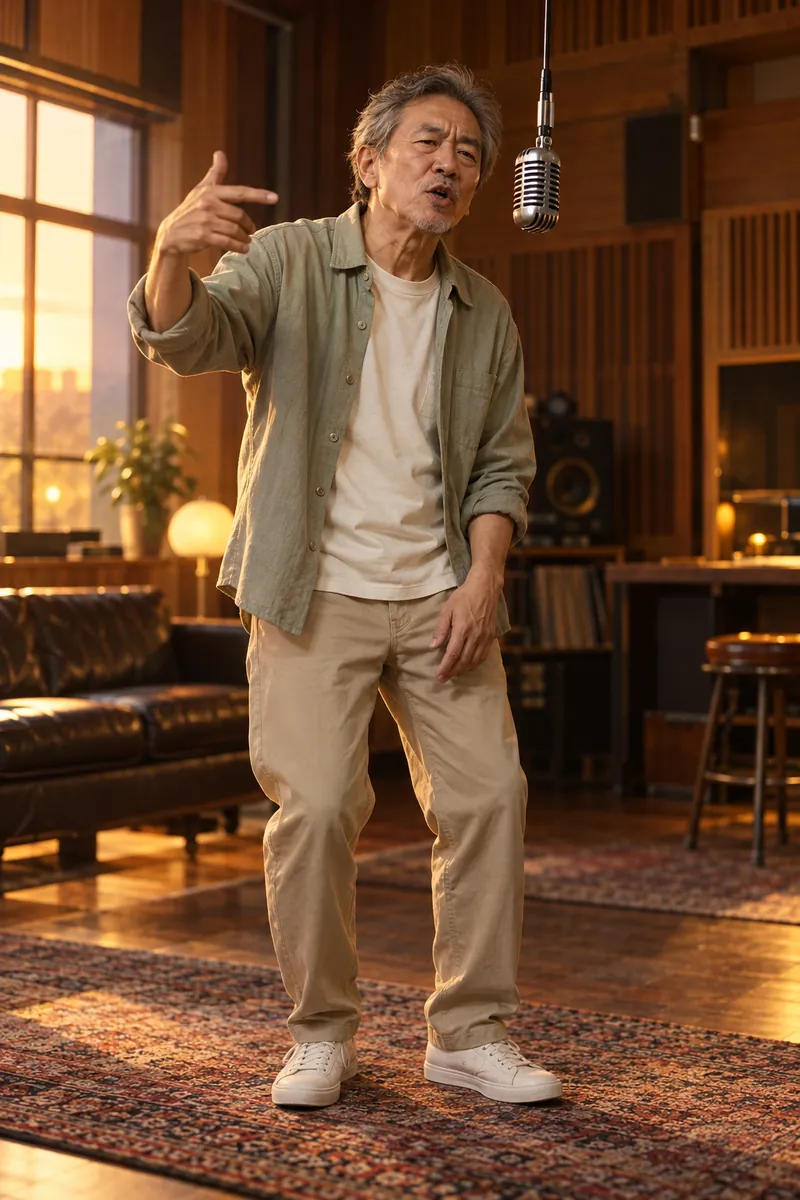
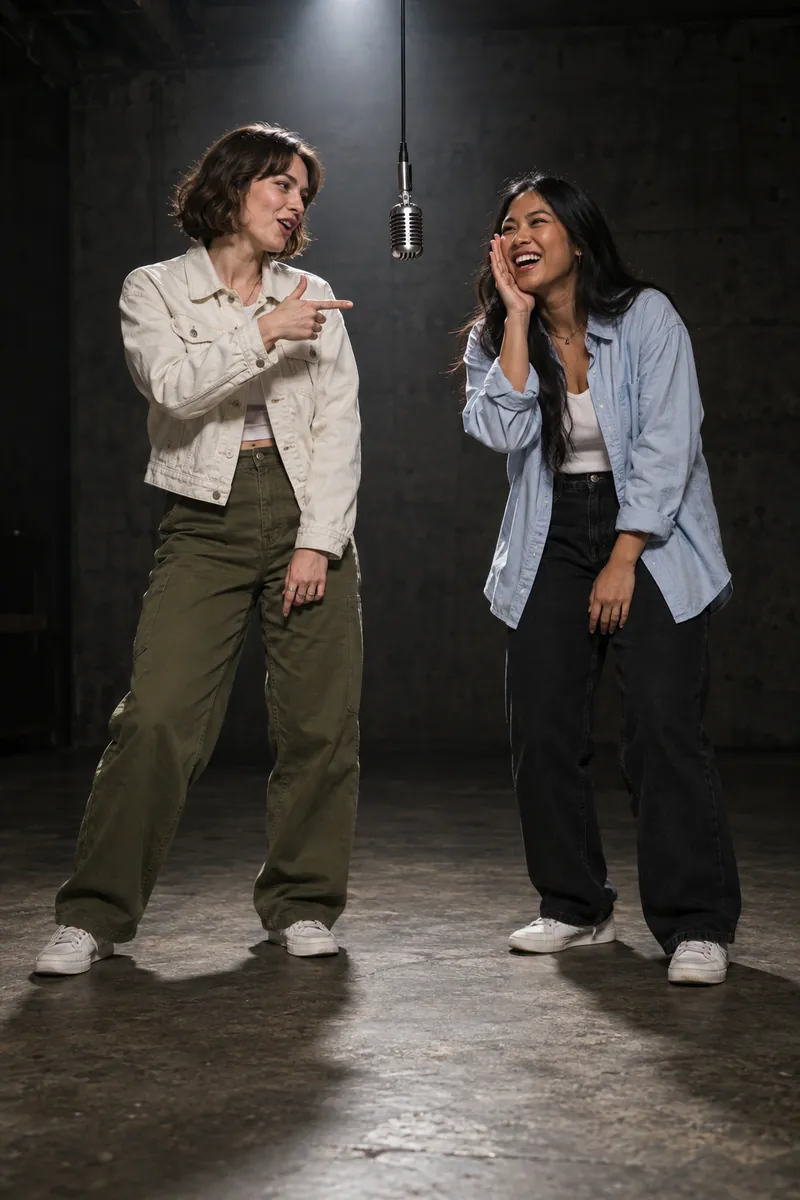
Choose Rap Battle for a friendly roast beneath a spotlight, or Love Song for a warm recording-studio setting. The preview changes when you select a stage. Use the sample to choose a setting, while remembering that your uploaded people are the performers in your own video.
How to make your photo-to-rap video
You do not need to record a voice, write lyrics or film a performance. The creator combines your chosen photos and stage with a short rap performance. It uses the same credits and account as the AIRapMake homepage.
- Choose a photo mode and fill every photo slot. Check the preview before continuing.
- Pick Hotel Lobby, Birthday, Rap Battle or Love Song. For Birthday, add a first name if you want one in the lyrics.
- Sign in and make sure you have enough credits. One standard video uses 10 credits.
- Select Make my rap video, follow the progress, then download the completed MP4 from My videos.
What is included in the MP4?
A standard output is a 12-second, 720p, vertical 9:16 MP4 with an original hip-hop beat and English rap vocals. A duet gives the two performers alternating lines and a shared hook. A solo video gives the performance to one person. Audio comes with the video, so you do not have to add a track afterward.
This is a photo-to-video creator. It does not currently accept custom lyrics, an uploaded song, an arbitrary topic or a request to imitate a particular rapper. You also cannot choose a different duration, resolution or a separate audio-only export.
Share on TikTok, Reels, Shorts or the group chat
Download the MP4 before you post it. Its vertical shape fits TikTok, Instagram Reels and YouTube Shorts, and the beat and vocals are already included. Add context in your caption: whose birthday it is, who the two friends are, or what makes the friendly rivalry funny.
Finished videos are available privately in your account for up to 30 days from task creation. Keep a local copy if you want it longer. You can remove a finished video sooner in My videos. Sharing the downloaded file lets you decide who gets to see it.